
GTA 6 guide
This GTA 6 guide follows the people and places of Leonida, from Vice City streets to the communities beyond them. Start with a map location, look up a character by name, or use the cars entry to keep track of a vehicle sighting. The release panel collects the publisher’s date and platform information in one place. The sections on online play and PC requirements explain which edition a claim applies to. Use a place name to find the regional entry, or follow a person’s name to learn which other characters belong to the same circle. Farther down, the fan workshop lets you make artwork from a photo or compare desktop builds in your browser.
Guide directory
Use the topic links to jump straight to the question you have. For a location or character, a name that you can look up again is often more helpful than a long plot summary. For a technical question, record the edition, platform, and date alongside the answer. That context makes it easier to tell whether two people are describing the same game or comparing different releases.
Cars
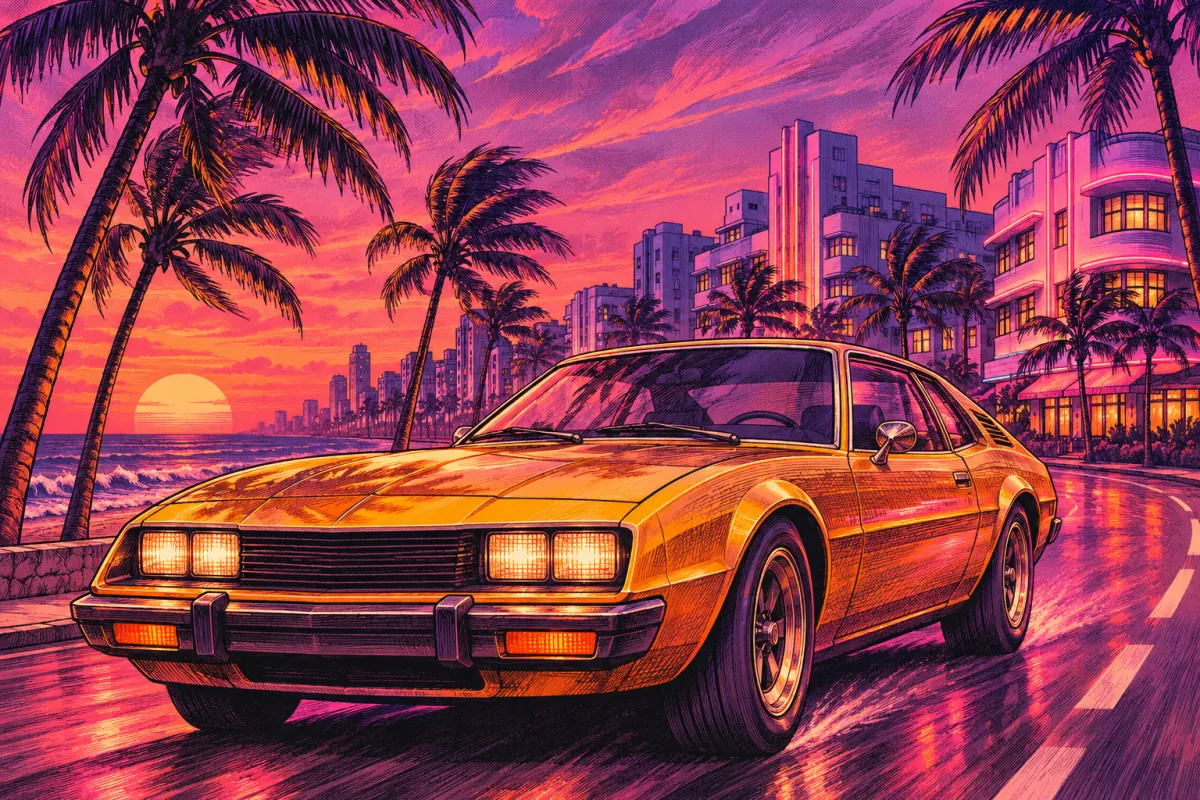
Look up ten named cars, from Jason’s pickup to Wyman’s restored roadster. Each profile gives the story or edition requirement, collection landmarks, body style and sources for the car.
Characters
Start with the people in the story and keep character names separate from performer credits. Rockstar introduces Jason Duval and Lucia Caminos on its game page, a useful starting point if you want background before looking up individual story scenes.
Map
Vice City sits within Leonida. When describing a place to another player, start with the larger area, then add a junction, waterfront landmark, or direction of travel so someone arriving from another road can find the same spot.
Online
Check the game name as well as the platform when reading multiplayer news. A notice about GTA Online can refer to an existing service, and a subscription benefit for that service does not establish which modes come with a different game.
PC requirements
Check Rockstar’s platform listing and Take-Two’s launch announcement. The dated status page covers minimum and recommended PC specifications, release timing and the scope of the console installation notice.
Release at a glance
- Console release
- November 19, 2026
- Launch platforms
- PlayStation 5 and Xbox Series X|S
- Developer
- Rockstar Games
Take-Two’s launch announcement gives the date and both console families. The date in this panel applies to those editions. Rockstar has not announced PC system requirements in the release materials reviewed on November 25, 2026. A console storage listing describes an installation on that console and cannot tell you how much graphics memory a desktop edition would use.
Take-Two launch announcement · November 19, 2026 · Rockstar game page
Fan workshop
The two image editors start with a local photo. Choose the square canvas for a cover or the taller canvas when a print needs extra space for credits. The hardware tools share a desktop parts list, so you can carry the same selections from a compatibility question to a frame rate comparison.
Workshop updates
- Poster Generator — Three portrait layouts now give the same photo a full-bleed treatment, a paper margin, or a separate ticket panel for credits.
- FPS Calculator — Compare a pair of display resolutions with the same desktop parts and see the uncertainty allowance beside the resulting interval.
- Can My PC Run GTA 6? — Use one build to check graphics, processor, and memory limits together, then change the suggested part to test the upgrade priority.